
Built a Shopify App in 45 Days: What Merchants Should Know Before Installing Apps
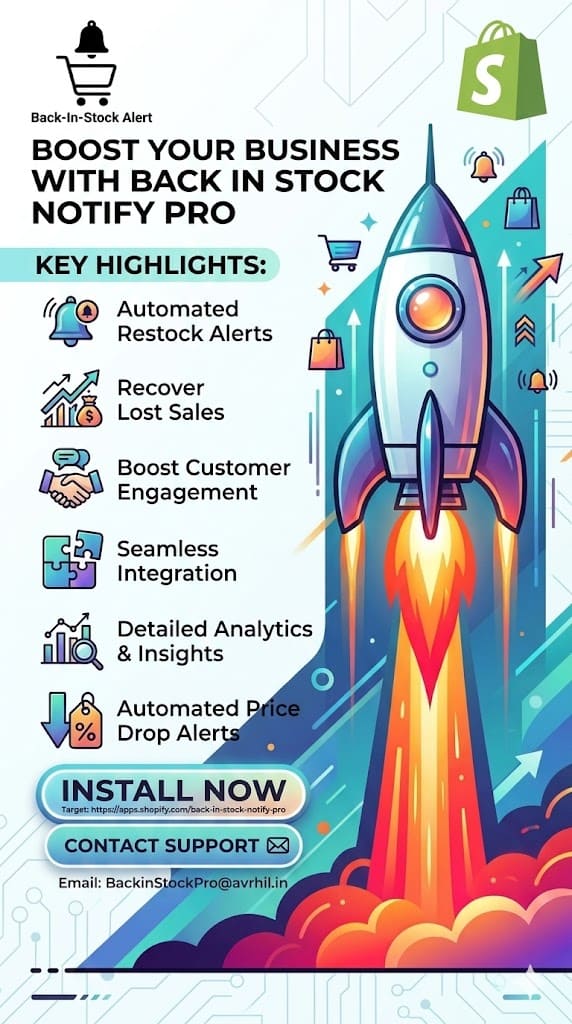
I Built a Shopify App in 45 Days — Here's Everything I Learned
In January 2025, I challenged myself to design, build, and launch a Shopify app from scratch.
45 days later, Back In Stock Notify Pro was live.
Here’s what I learned — and what every Shopify merchant should know.
Why 45 Days Matters
Getting approved on the Shopify App Store is not easy.
Shopify reviews apps for:
- Performance
- Security
- User experience
- GDPR compliance
- API standards
Many apps get rejected multiple times.
Passing this process quickly signals a strong technical foundation.
The Technology Stack
This app was built using modern, scalable technologies:
- .NET 8 – High-performance backend
- Razor Pages – Lightweight UI
- Entity Framework Core
- ShopifySharp
- Hangfire – Reliable background jobs
- Serilog – Logging & debugging
- Tailwind CSS
- Shopify App Bridge
- Webhooks + GraphQL + REST APIs
Why this matters: The tech stack directly impacts reliability, speed, and scalability.
18 Years of Experience Behind It
I’ve spent 18+ years building e-commerce systems, integrations, and platforms.
This shaped key decisions:
- Zero-code setup – Works instantly on all themes
- Webhooks over polling – Real-time notifications
- Demand analytics – Know exactly what to restock
- Useful free plan – Not just a teaser
What Shopify Approval Means
Shopify doesn't approve apps casually.
They:
- Test on real stores
- Check performance & security
- Validate UX standards
- Ensure compliance
This ensures the app is reliable and merchant-ready.
The Mission
Too many Shopify stores lose revenue due to stockouts.
High-intent customers leave — and never return.
This app solves that.
It takes less than 5 minutes to install and start recovering lost sales.
👉 Install Back In Stock Notify Pro Free
If you're not capturing demand from out-of-stock products, you're leaving money behind.
#Shopify #ShopifyDeveloper #AppDevelopment #BackInStock #DotNet #SaaS